 tremeGadgets
Content Creator Starter Kit: Mics, Gimbals and Cameras
Your phone already shoots good video. The cheapest way to make it look and sound professional is to fix the sound first, then the shake, and only then think about a separate camera.
1. Sound first: a wireless mic
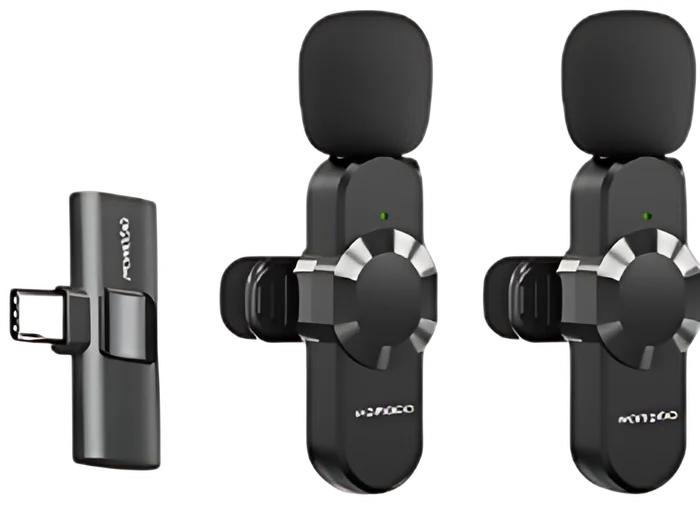
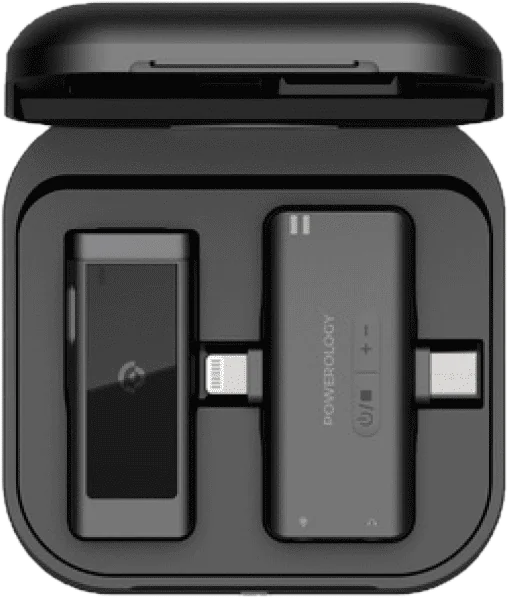
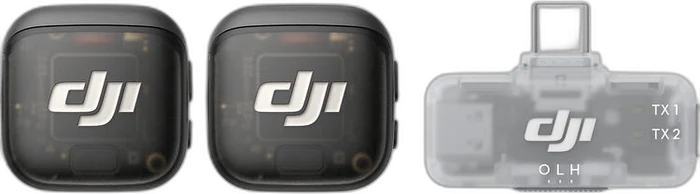
Viewers forgive soft video but not bad sound. A wireless lavalier (clip-on) mic puts the microphone near your mouth, so your voice stays clear in a market, a car or a windy field.
Pick a kit with the right receiver for your phone: USB-C for most Android phones and the iPhone 15 and newer, Lightning for older iPhones. A kit with two transmitters lets you film interviews.
2. Steady shots: tripod or gimbal
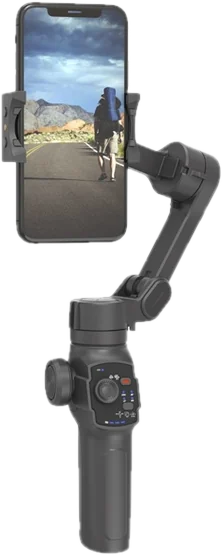
A tripod or selfie stick with a remote is enough for talking-to-camera videos and photos. A gimbal smooths out walking shots and can follow your face automatically, which is what makes vlogs look polished.
3. Light
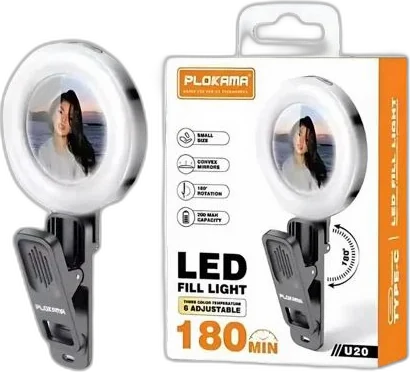
A small ring light or LED panel does more for indoor videos than a new phone. Face a window during the day; use a light at night.
4. When a separate camera makes sense
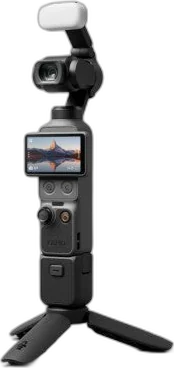
Action cameras survive rain, water and drops, and they mount on helmets and bikes. 360 cameras let you choose the angle after filming. Pocket gimbal cameras give very smooth footage from a tiny body. If you mostly film yourself talking, a phone with a good mic and tripod is still the best value.
5. Storage
Video fills memory fast. For cameras, choose a fast card (marked U3 or V30) so 4K recording does not stop. Back up your phone with a dual USB-C flash drive or a portable SSD.
Microphones in stock now
Photography in stock now
Still not sure? Tell us on WhatsApp what you need and your budget, and we will suggest what fits.